
Your field workflow, step by step.
Find your project, capture the site, configure a model and prepare your field output. Android coming soon · Mobile add-on.
From your dashboard to a field report.
Mobile application preview · dashboard shown with local test data.
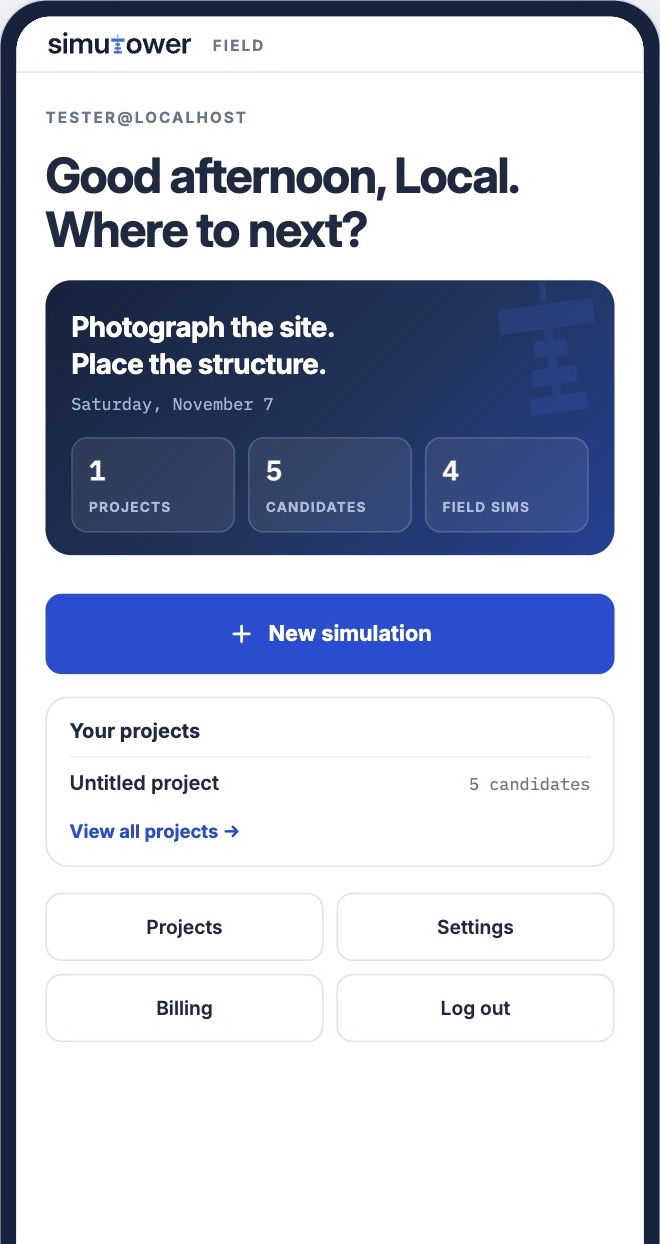
Your mobile dashboard
Start a new simulation or open Projects to find an existing candidate. Recent work and project totals help you pick up where you left off.
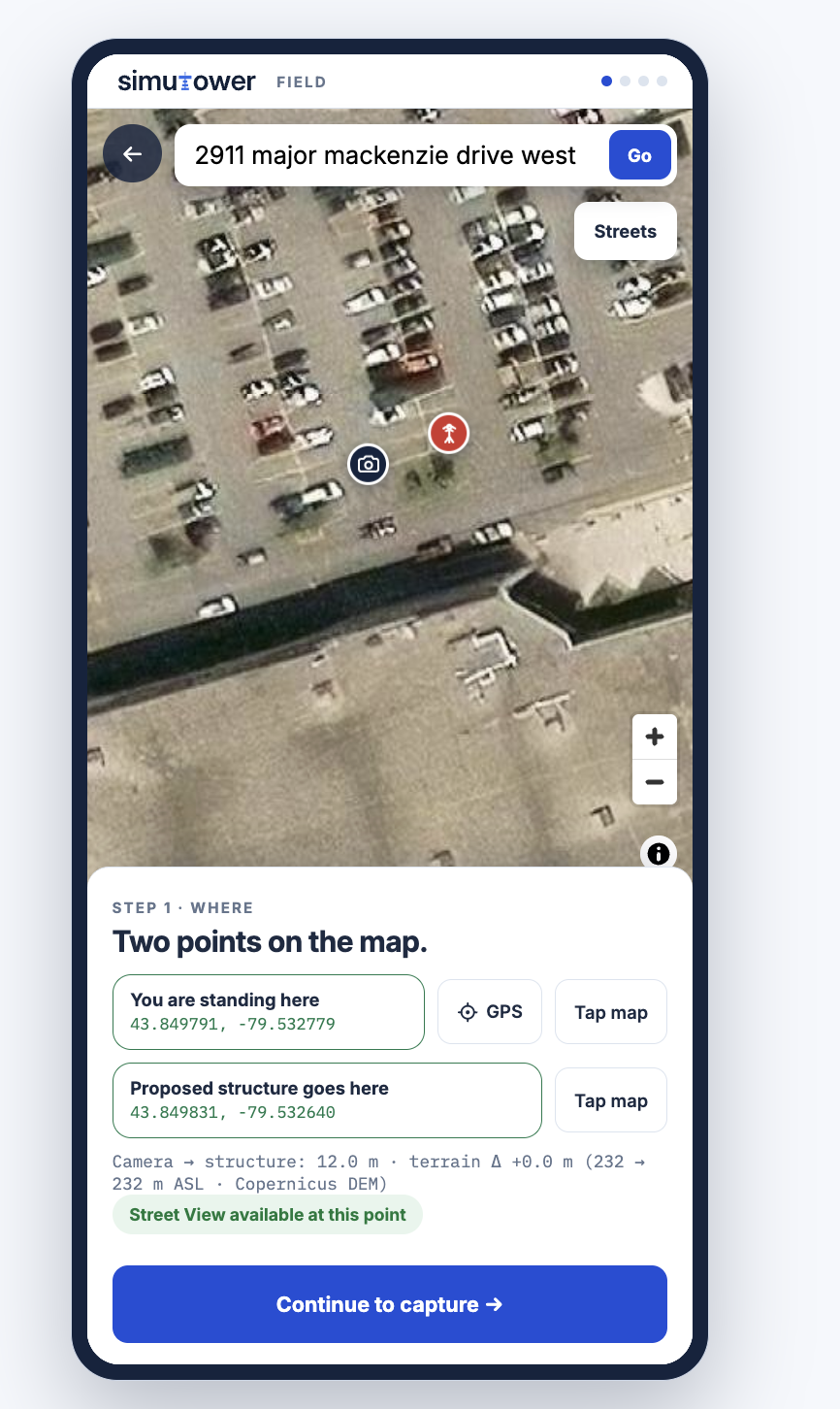
Choose your site points
Set the camera and proposed structure points, then capture a site photo or choose an existing image as your backdrop.
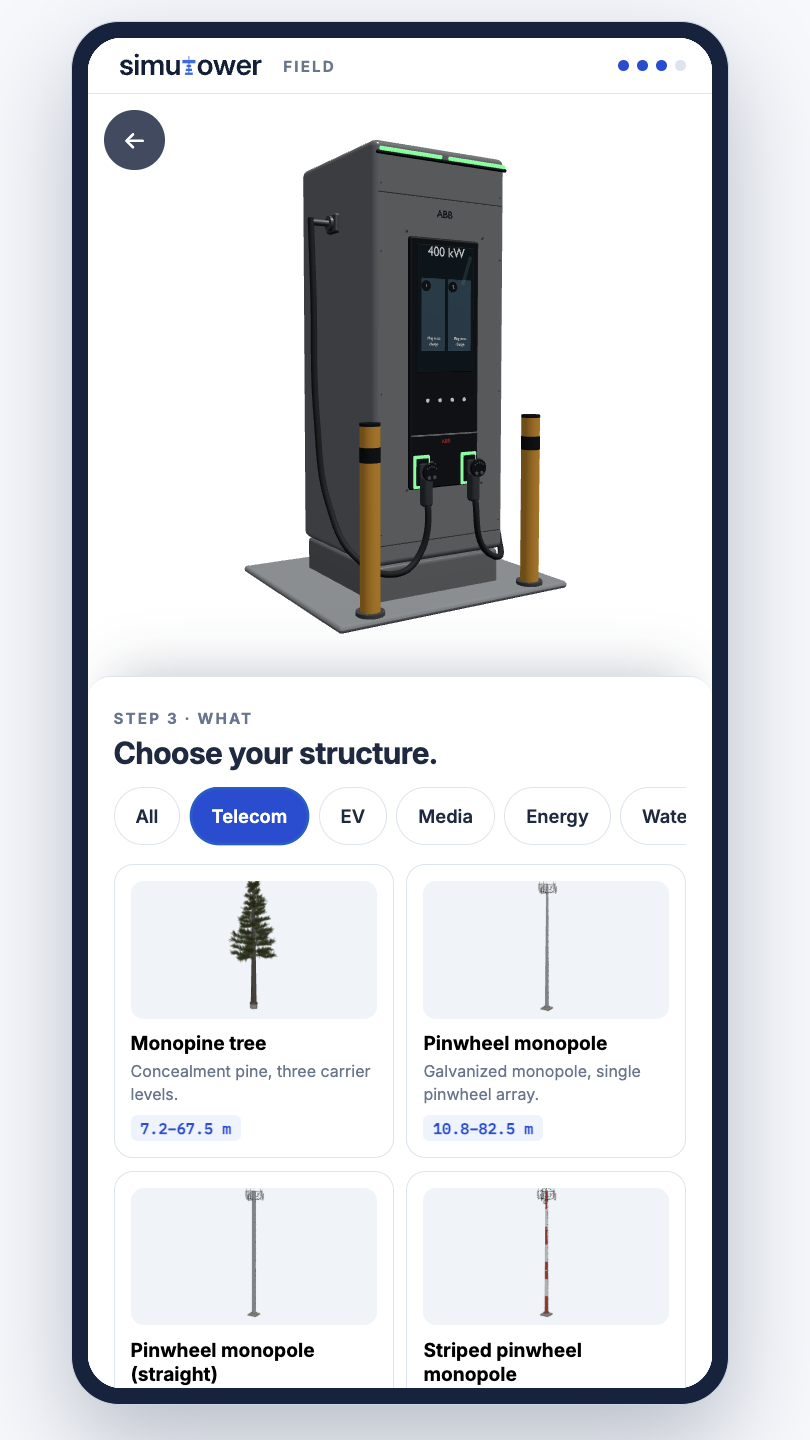
Explore the model library
Browse supported structures and equipment. Choose the model and proposed height before reviewing its placement in your site photo.
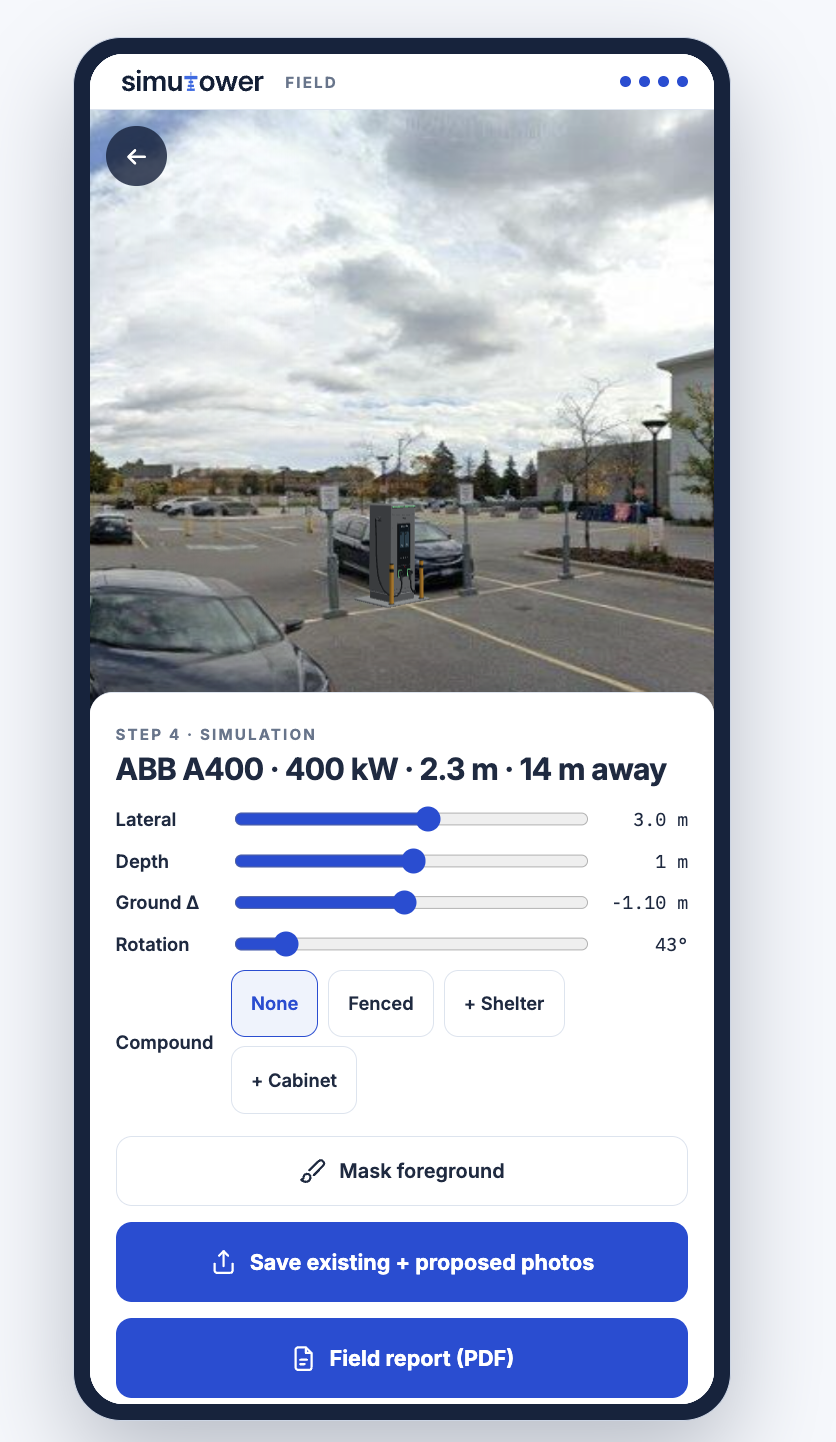
See the proposal in context
Adjust position and rotation, then mask foreground objects where needed. Save the existing and proposed photos or generate a field report PDF.