A REAL SIMUTOWER OUTPUTVaughan, Ontario ↗
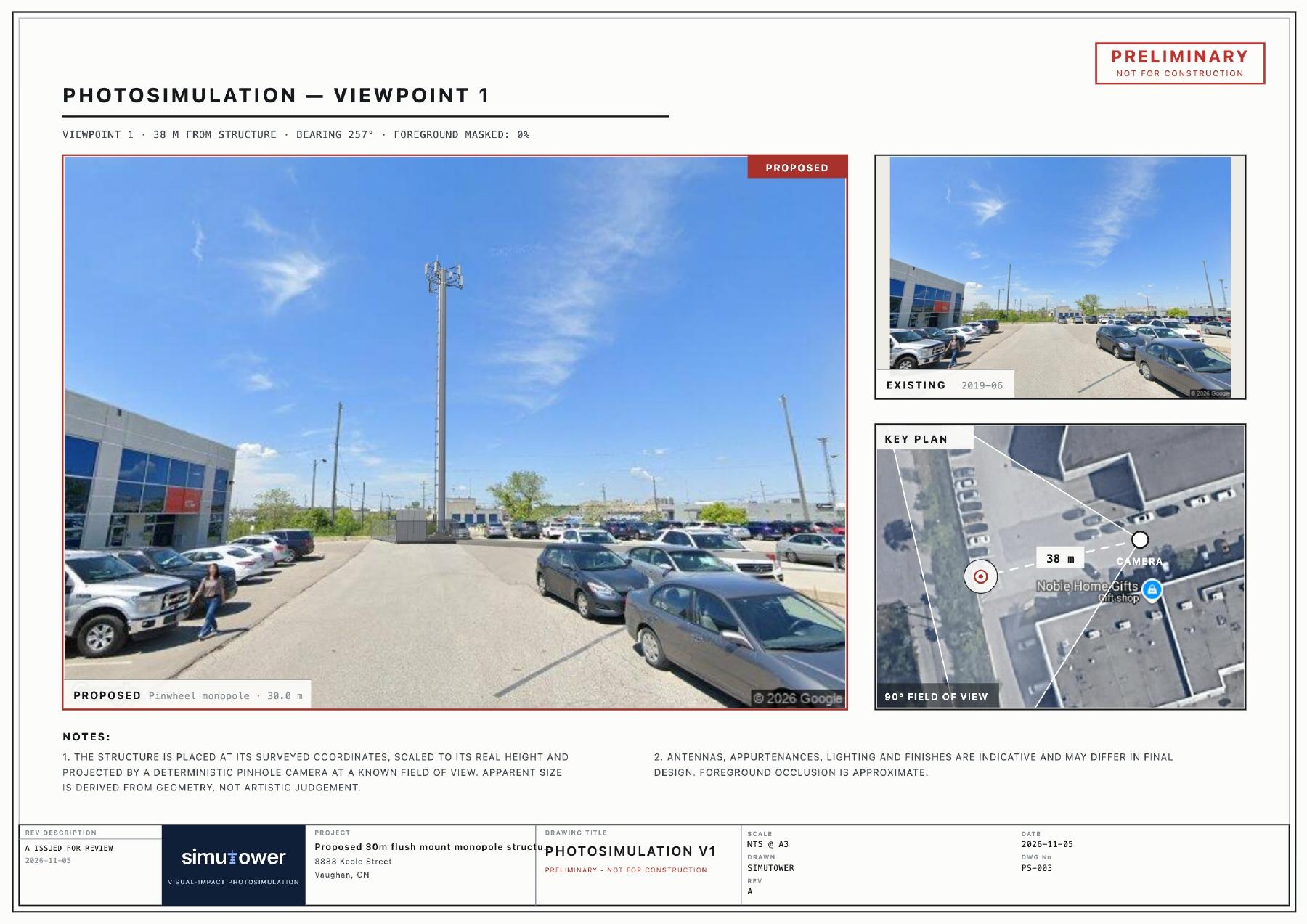
✓From a proposal to a shared picture.Structure, compound, fencing & equipment
01 / VISUAL SIMULATIONOpen report ↗

Turn a site and a supported model into a preliminary visual proposal for your next conversation.
Compare another location. Revise the layout.
Give everyone a clearer picture of the next option.
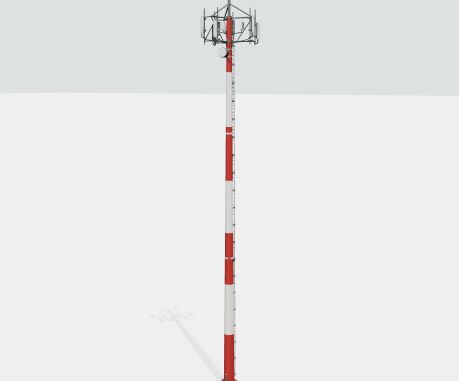
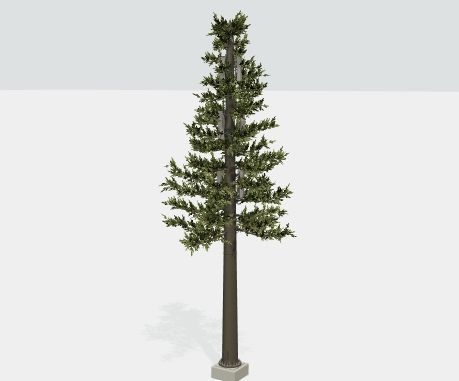
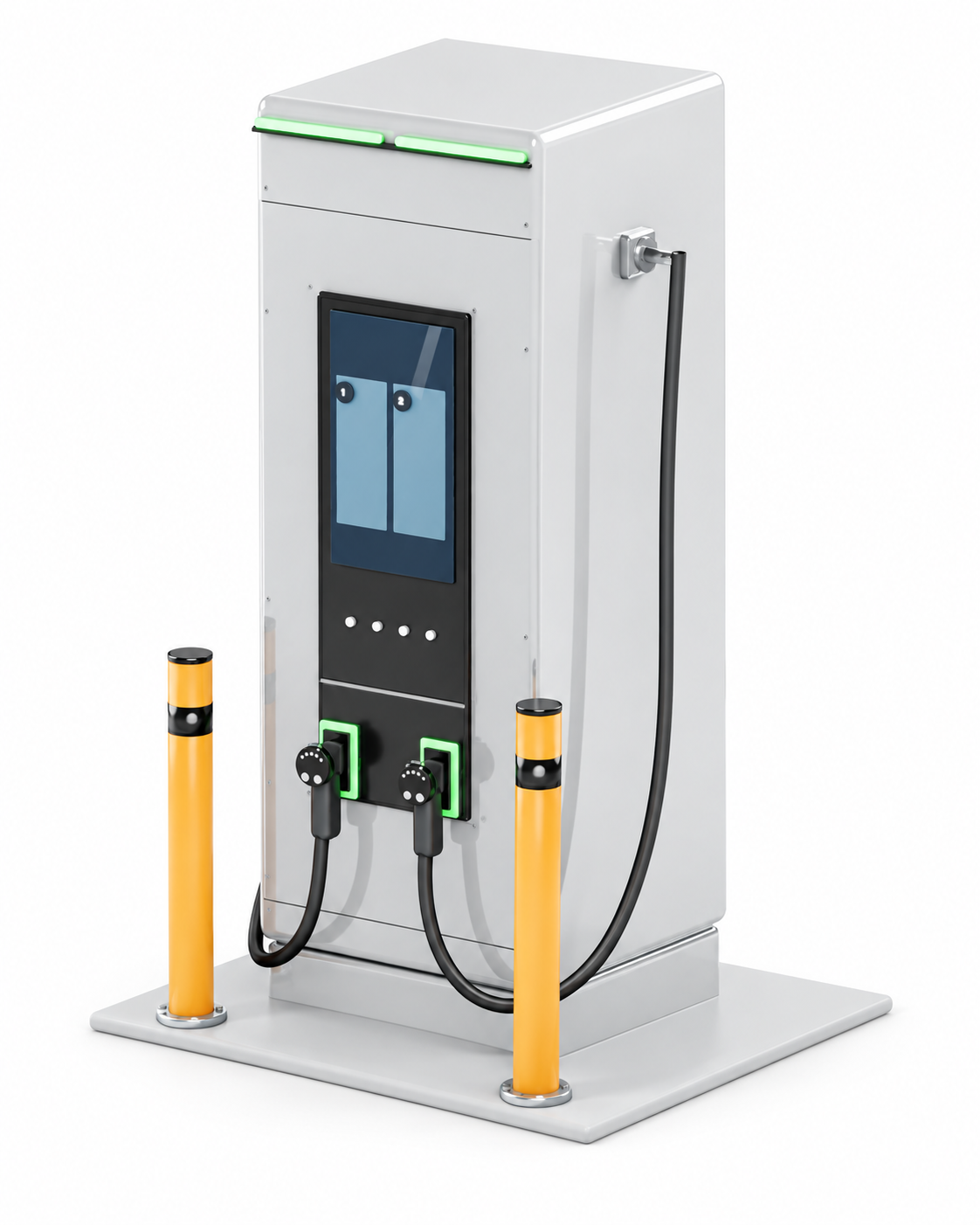
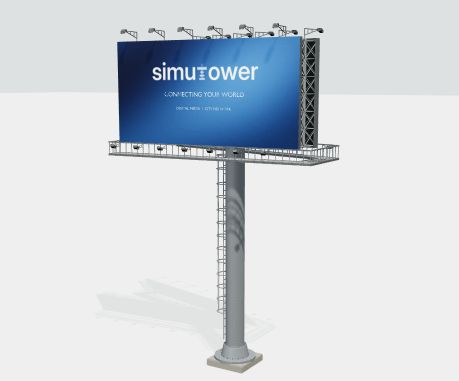
Telecom, EV charging, signs, wind, energy and supported site equipment. Find a starting point for your proposal.
Browse representative models
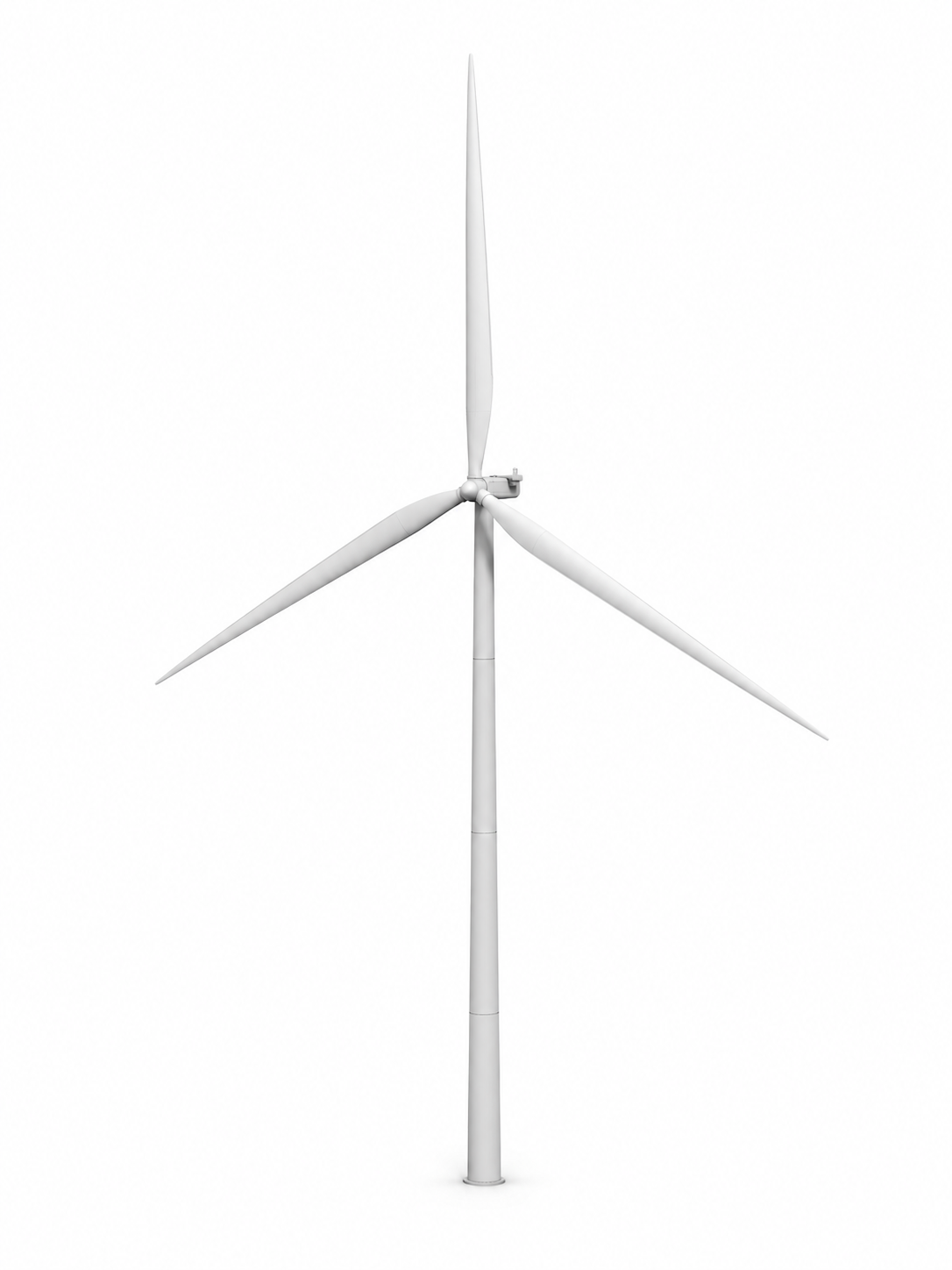
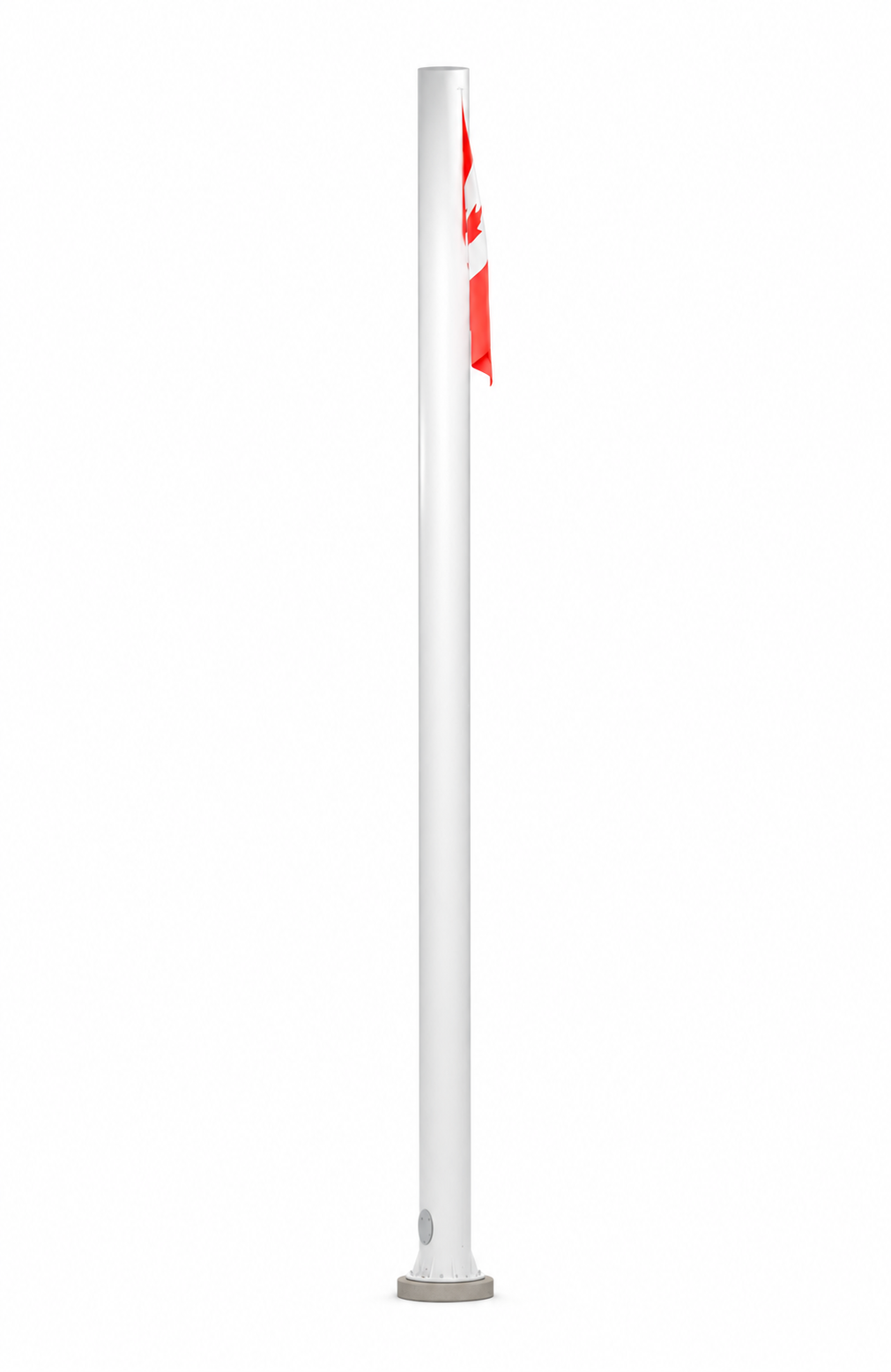
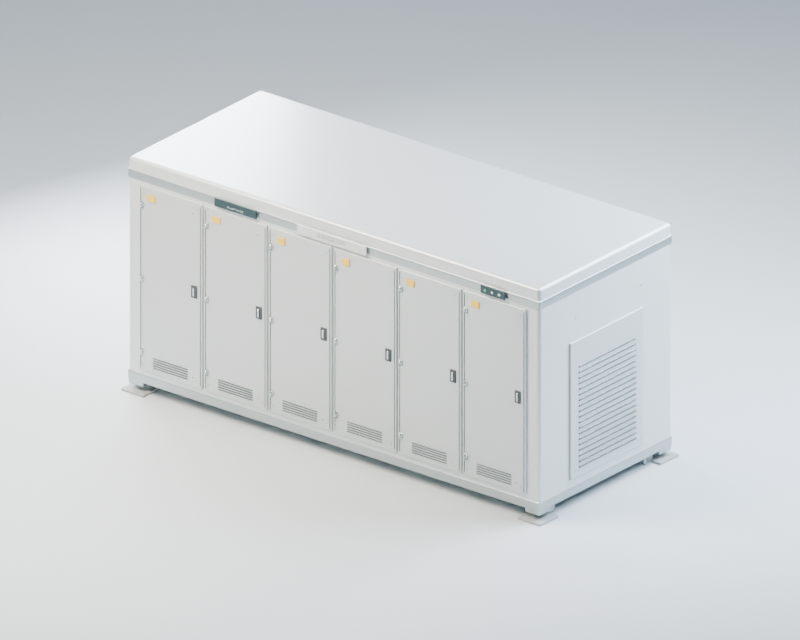
Representative visuals · confirm available models and specifications in the product library.
Explore the model library ↗Find the site, shape the proposal and bring the next version back to the conversation.
Find an address. Choose the structure and camera points.
Choose a model, height and the surrounding site details.
Check the viewpoint and see the proposal in context.
Reopen the candidate and explore another option.
Share preliminary views, site sketches and reports.
Enter a client and project name when you start. Add candidate sites within that project, then keep each candidate’s views and details together—without creating folders or filing simulations by hand.
Updated workflow preview · sample dataProjects stay grouped by client. Expand a project to see its candidates, saved views and notes.
North District · Telecom · 2 candidates
| Candidate | Address | Coordinates | Structure | Height | Views | Priority · custom | Notes |
|---|---|---|---|---|---|---|---|
| Candidate 01 | East parcel | 43.8502, −79.5338 | Monopole | 25 m | 2 | Review first | Preferred option |
| Candidate 02 | West parcel | 43.8503, −79.5340 | Monopole | 30 m | 1 | Alternative | Compare sightlines |
Example EV Co. · EV charging · 1 candidate
| Candidate / location | Equipment | Saved views | Priority · custom field |
|---|---|---|---|
| Candidate 01 · South parking | EV chargers | 2 views | Client review |
No sample projects match this search.
Sample data, not a live account. Client filters, search and project expansion work here; spreadsheet editing and column controls are available in the workspace build.
Browse real SimuTower simulations across different structures and settings. Then explore the sheets that bring a proposal together.
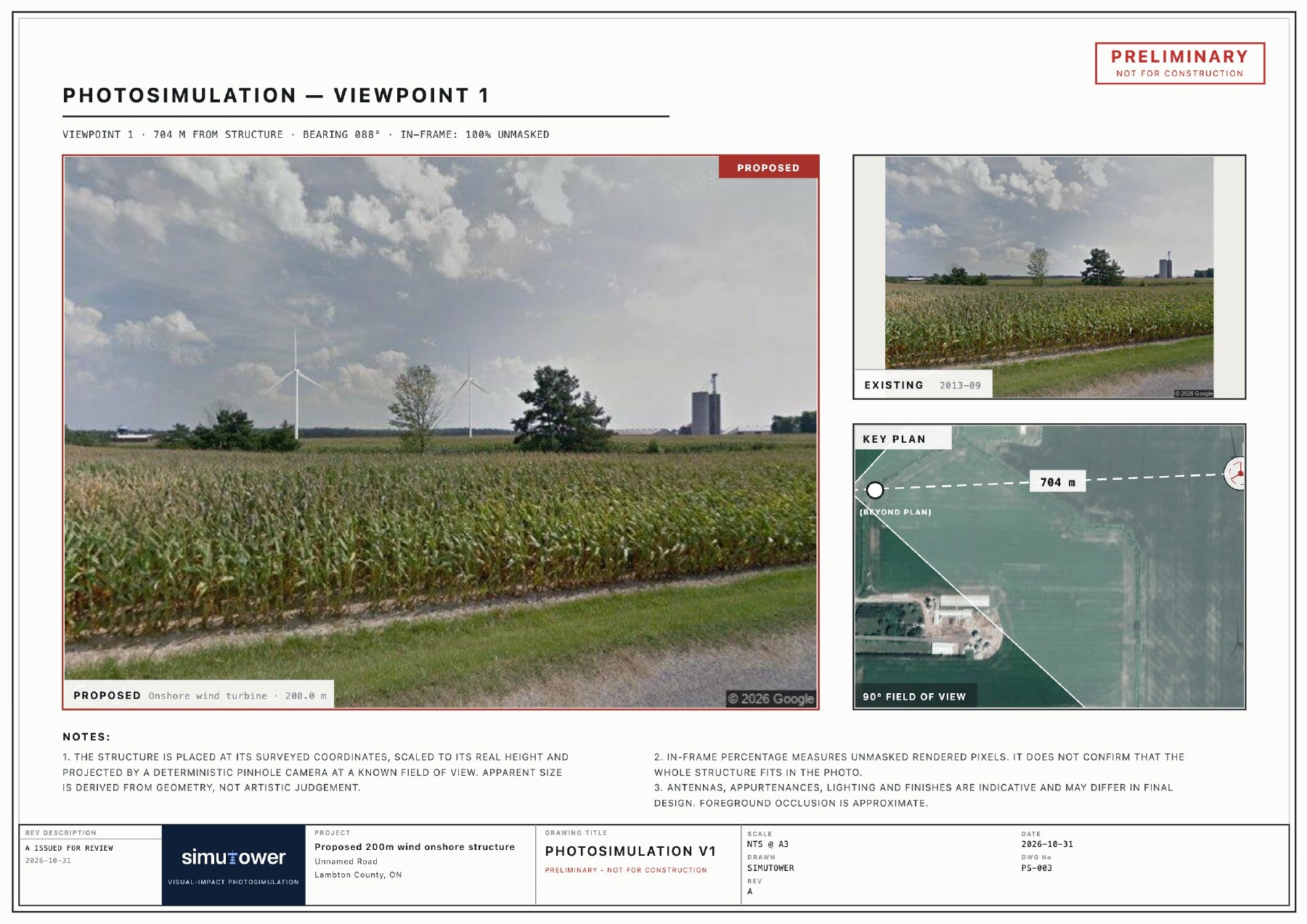
Report previews · Explore the project workspace →
These sample reports are preliminary visual planning materials, not construction drawings or measured accuracy certification.
Bring a visual proposal into the conversation while you’re on site.
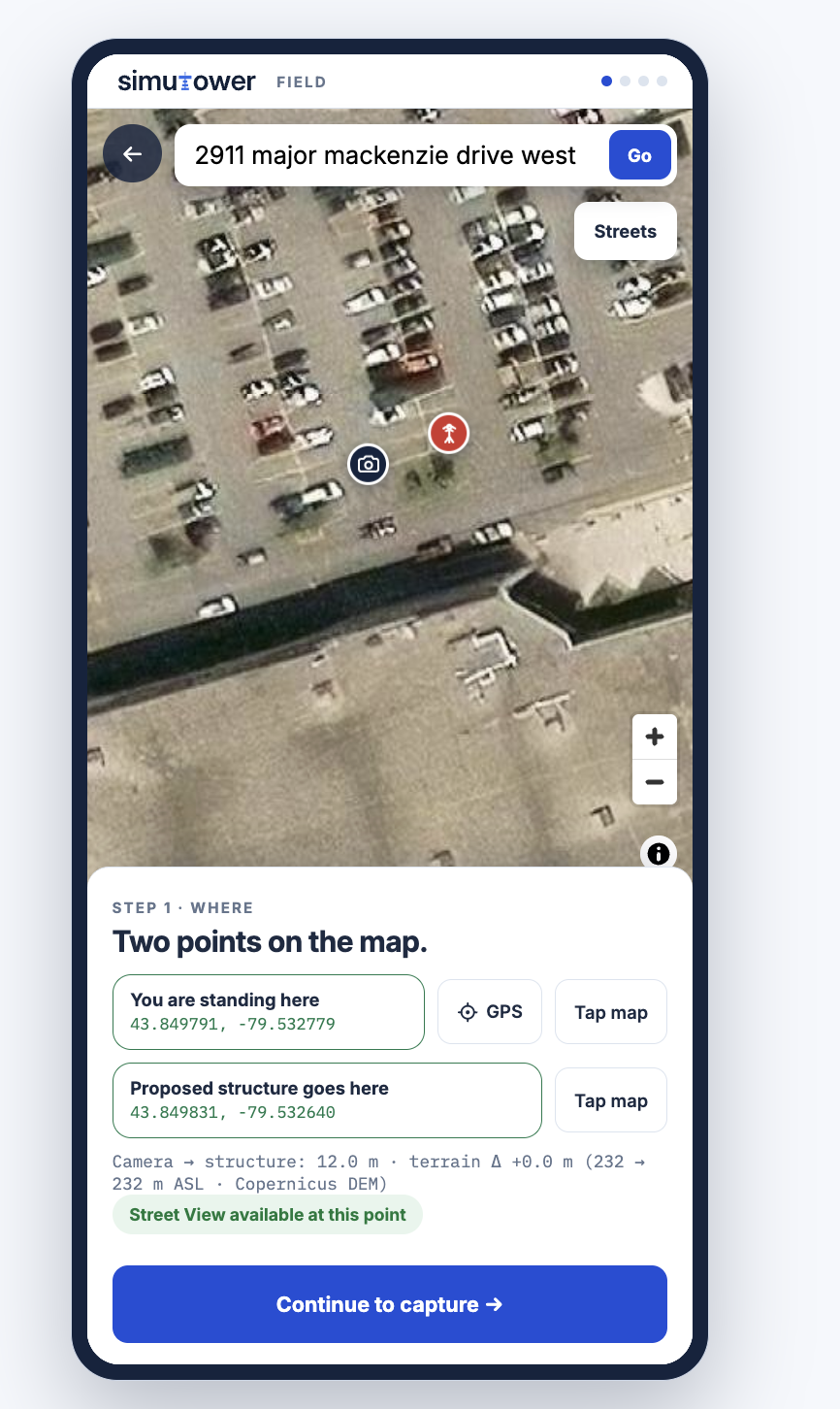
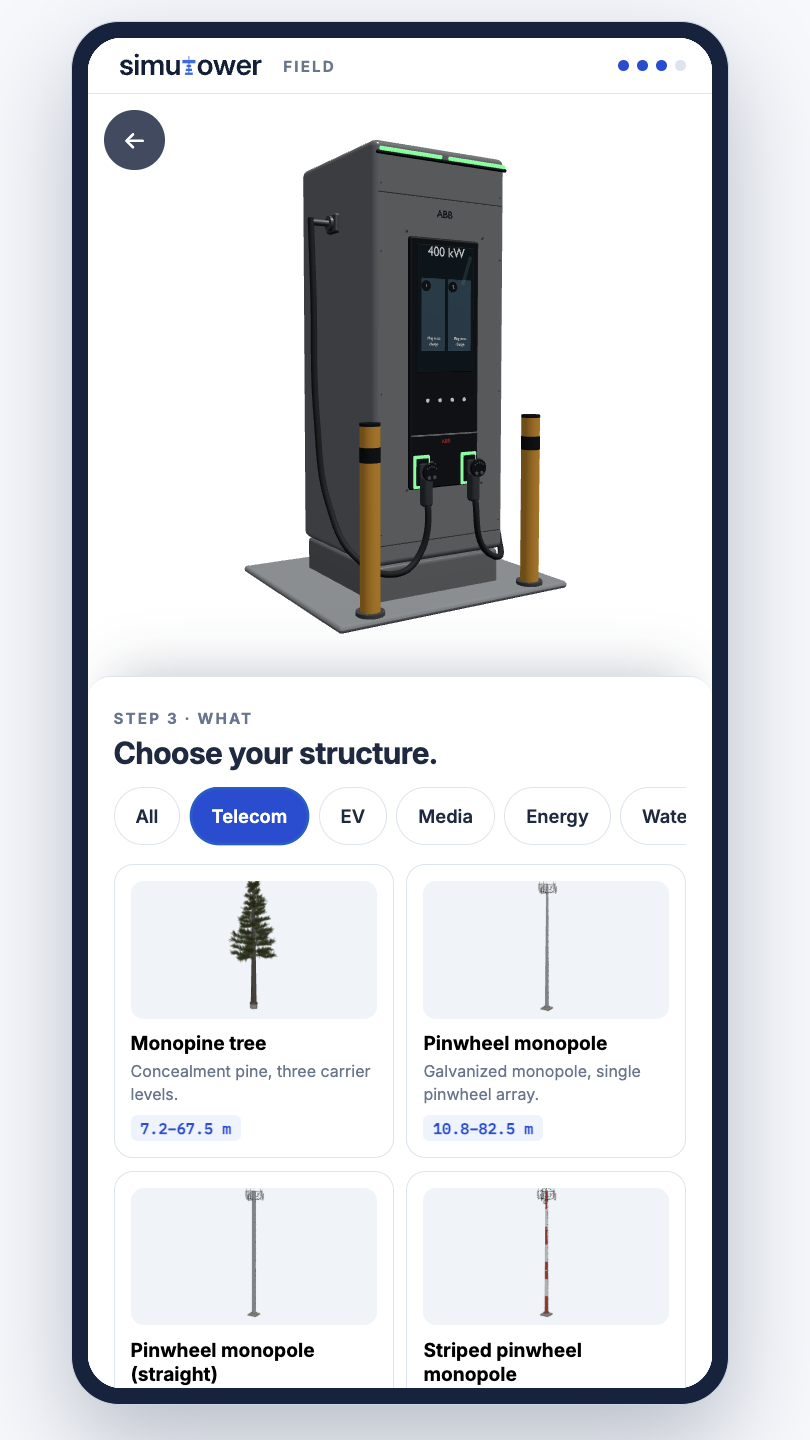
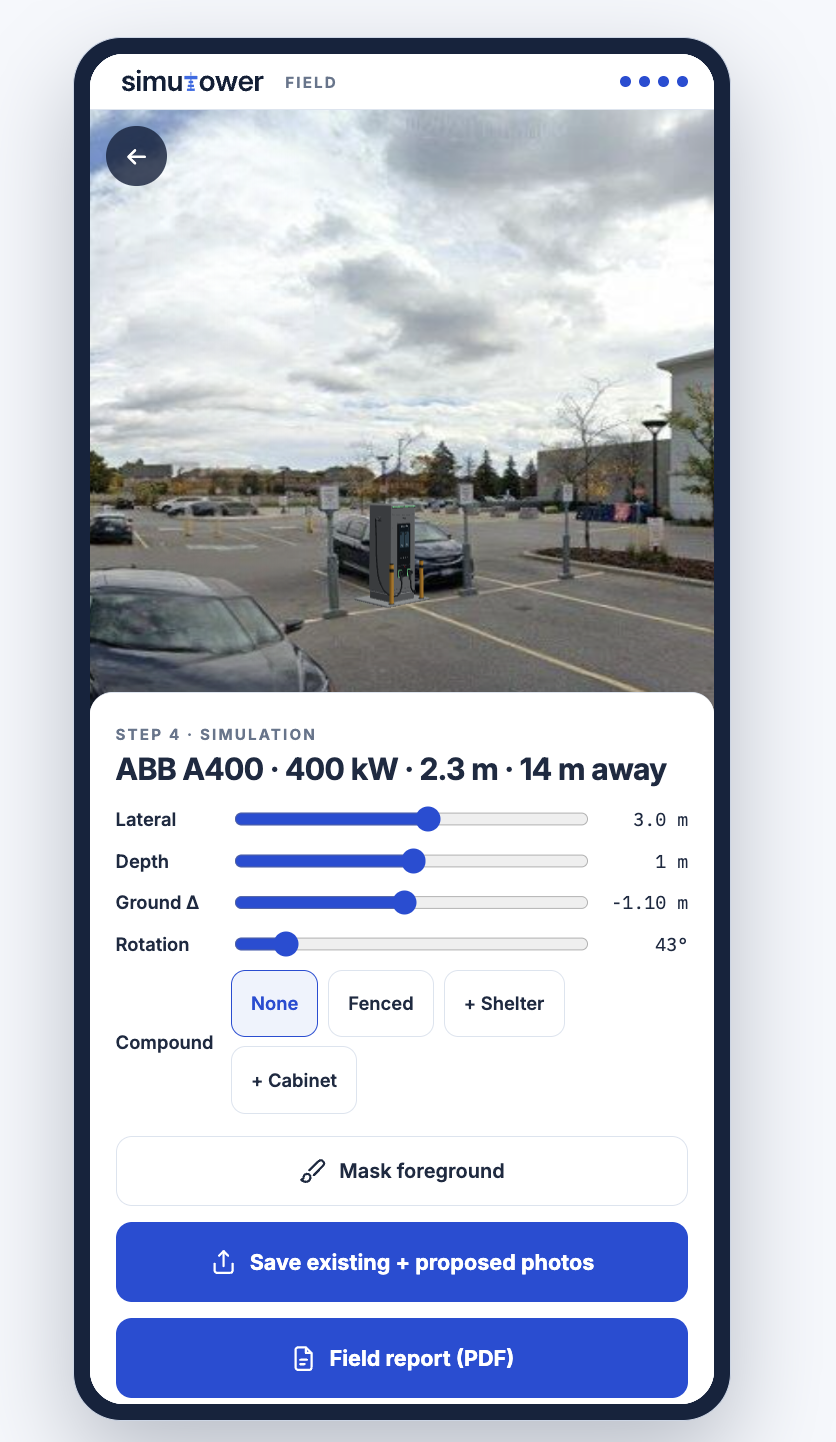
Show how it looks, where it sits and how the proposed elements relate to one another.
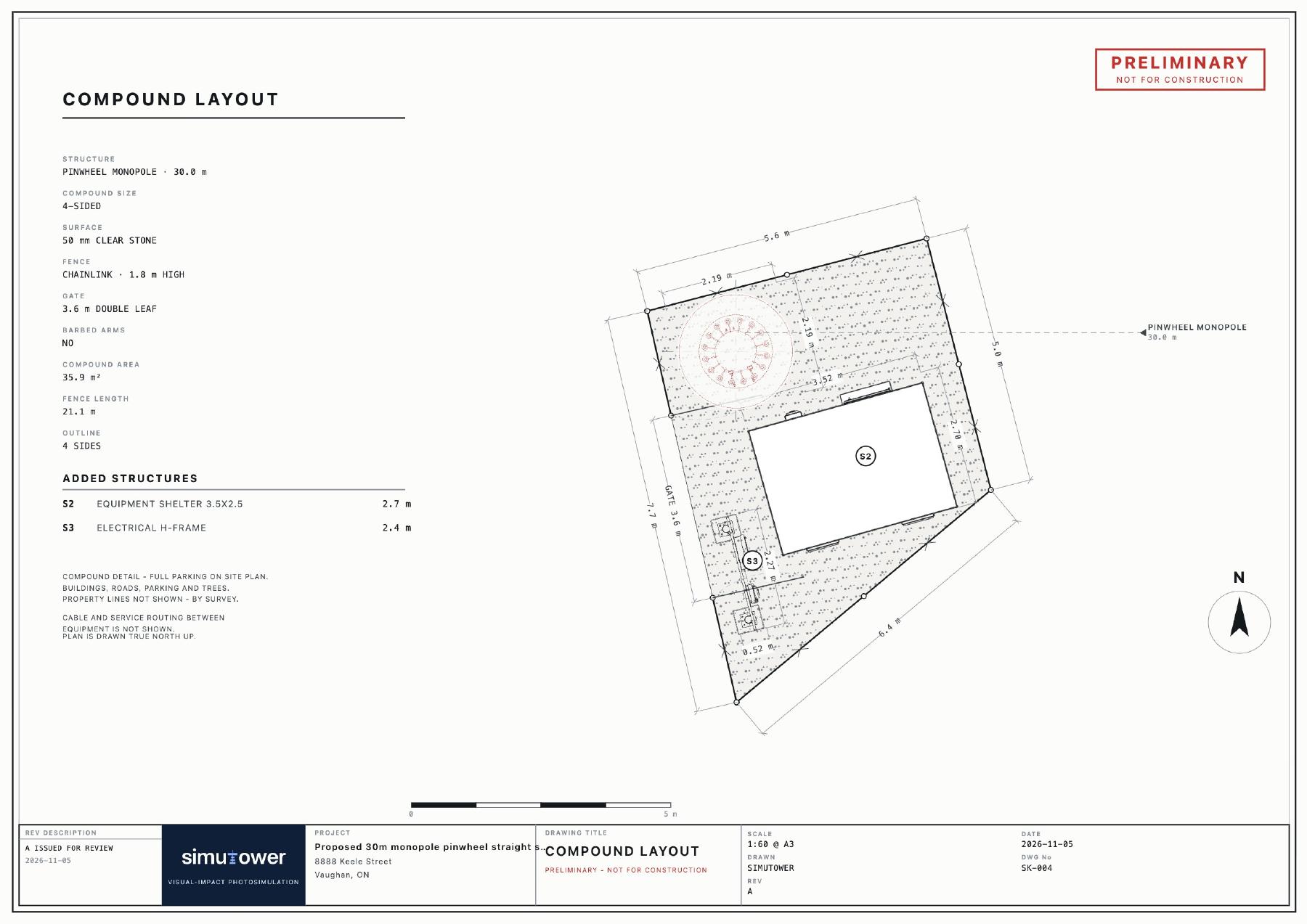
Explain arrangement, spacing and equipment within the proposed compound.
Open sample report ↗One site: 8888 Keele Street, Vaughan. Simulation and isometric sheets from the report; layout and elevations from its preliminary site sketch.
Preliminary proposals, not construction drawings or accuracy certification. Imagery availability varies by location and source.
Talk through your project and the outputs you need.